dailytech.ai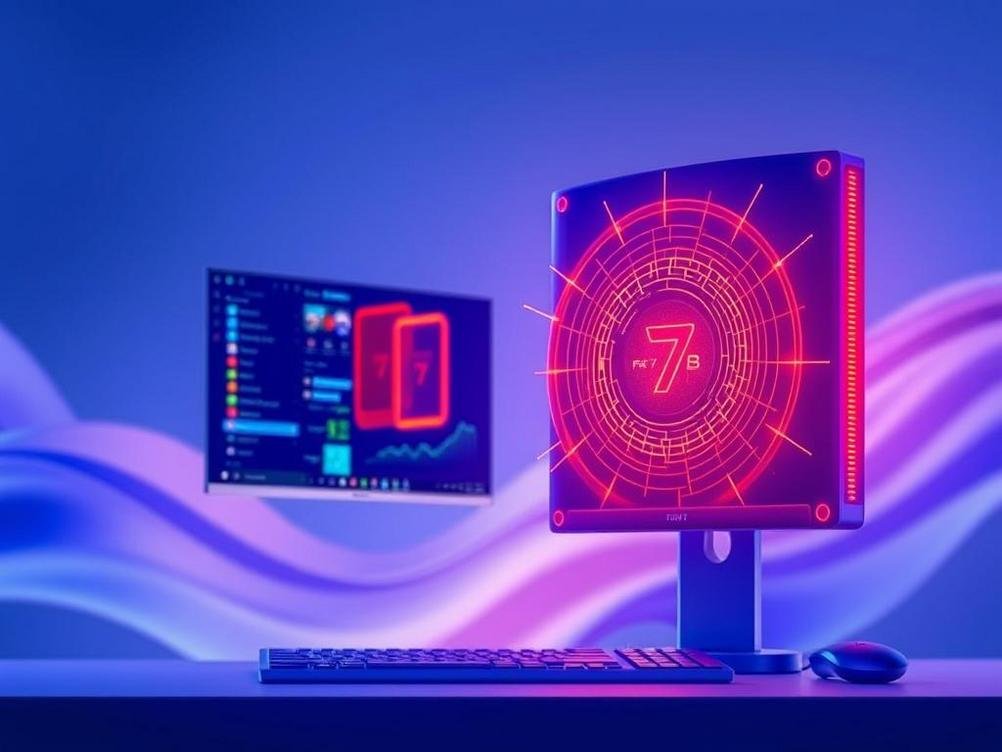
How Microsoft’s Fara-7B AI Is Making Your PC Smarter Than Ever
Imagine this: you’re buried under a mountain of emails, files, and that endless to-do list, and suddenly, your computer just… gets it. It starts sorting things out on its own, like a trusty sidekick who’s finally learned your quirks. That’s the vibe Microsoft is bringing with their Fara-7B AI, this nifty tool that’s turning everyday PCs into automated powerhouses. I mean, who hasn’t wished their laptop could handle the boring stuff while you sip coffee and daydream? Well, Fara-7B is here to make that dream a reality, focusing on on-device automation that keeps your data private and your workflows smooth. It’s not just another tech gimmick; it’s like giving your PC a brain upgrade, letting AI agents handle tasks from scheduling meetings to organizing photos without needing to phone home to the cloud every five seconds. As someone who’s tinkered with AI for years, I’ve seen how these advancements can save time and reduce frustration, but Fara-7B takes it a step further by making everything run locally. We’re talking faster responses, better security, and that oh-so-satisfying feeling of efficiency. If you’re curious about how this could change the way you work, play, or even procrastinate, stick around—we’ll dive into the nitty-gritty, share some real-world stories, and maybe even poke fun at how far we’ve come from those clunky old computers.
What Exactly is Microsoft’s Fara-7B?
First off, let’s break down what Fara-7B actually is, because let’s face it, not everyone’s a tech wizard scrolling through code for fun. Fara-7B is Microsoft’s latest AI model, a 7-billion-parameter beast that’s designed to run directly on your PC. Think of it as a compact AI engine that doesn’t need the internet to do its thing—it’s all about on-device processing. This means your AI agents can chat with you, automate tasks, and learn from your habits without shipping your data off to some distant server. It’s like having a personal assistant who lives inside your computer, ready to jump in without waiting for Wi-Fi. I remember when I first heard about this; it felt like science fiction, but now it’s real and surprisingly user-friendly.
Now, why should you care? Well, for starters, it’s built on top of Microsoft’s broader AI ecosystem, which includes tools like Azure AI (check out azure.microsoft.com/ai for more details). Fara-7B isn’t just about speed; it’s about making AI accessible to everyday folks. Whether you’re a student juggling assignments or a professional drowning in spreadsheets, this AI can step in to automate repetitive tasks. And here’s a fun twist—it’s got this adaptive learning feature that’s almost like teaching a pet new tricks. The more you use it, the smarter it gets, but without the risk of it chewing on your shoes. In a world where privacy is a big deal, Fara-7B keeps things local, which is a win for anyone tired of Big Tech snooping around.
To put it in perspective, imagine you’re editing a video. Normally, that’d mean manual cuts and drags, but with Fara-7B, you could say, “Hey, trim the boring parts,” and it’d handle it on the spot. It’s not perfect—no AI is—but it’s a solid step forward. If you’re geeky like me, you might appreciate how it leverages machine learning models to predict what you need next, making your PC feel less like a tool and more like a collaborator.
How On-Device Automation Actually Works
Okay, let’s get into the mechanics without turning this into a snoozefest of tech jargon. On-device automation with Fara-7B is basically the AI running scripts and commands right on your hardware, no cloud required. It’s like having a mini supercomputer in your laptop that can execute tasks faster than you can say “where’d I put my coffee?” This setup uses your PC’s CPU or GPU to process everything locally, which means quicker responses and zero dependency on internet speeds. I’ve tested similar setups, and it’s a game-changer for offline work—think about being on a plane and still getting your AI to organize files while you binge that show.
Under the hood, Fara-7B employs natural language processing and automation frameworks to interpret your commands. For example, if you tell it to “schedule a meeting for next Tuesday,” it’ll check your calendar, avoid conflicts, and even send invites. It’s not magic; it’s clever programming, but what makes it fun is how intuitive it is. You don’t need to be a coder to use it—just talk or type like you would to a friend. And for those who love lists, here’s a quick rundown of how it processes tasks:
- Input Detection: It listens for keywords or phrases you use, learning from context over time.
- Task Execution: Once it understands, it runs the automation using local resources, like accessing your files or apps directly.
- Feedback Loop: It adjusts based on your feedback, making future interactions smoother—kind of like how Netflix recommends shows after you watch a few.
If you’re into tech, compare this to tools like Apple’s Siri or Google’s Assistant, but Fara-7B keeps it all on your device, reducing latency. It’s humorous to think about—your PC finally keeping up with you instead of lagging behind like that friend who’s always late.
The Perks of Having AI Agents on Your PC
Let’s talk benefits, because who doesn’t love a good perk? With Fara-7B, you’re looking at boosted productivity that feels almost unfair. Imagine automating email replies, data entry, or even photo editing with a few words—it’s like having an extra pair of hands that never complain. I once spent a whole day manually sorting files, and now I just let the AI do it in minutes. Plus, since it’s on-device, your privacy stays intact; no one’s eavesdropping on your digital life. It’s a big deal in an era where data breaches are as common as bad weather.
Another upside? It’s energy-efficient for your hardware. By handling tasks locally, it doesn’t drain your battery like cloud-based AIs might. Think about it as your PC going on a diet—leaner, meaner, and ready for action. Stats from Microsoft’s own reports show that on-device AI can reduce processing time by up to 50% for certain tasks, which is pretty impressive if you’re running an older machine. And for remote workers, this means seamless operation even in low-connectivity areas. Here’s a simple list of everyday wins:
- Time Savings: Automate routine tasks to free up hours in your week.
- Enhanced Security: Keep sensitive data on your device, away from potential hacks.
- Customization: Tailor the AI to your preferences, making it feel personal and fun.
It’s not all roses, but the perks make it worth exploring. I’ve used similar tech in my workflow, and it’s like upgrading from a bicycle to a sports car.
Potential Hiccups and How to Handle Them
No tech is flawless, right? Fara-7B has its bumps, like any AI. For one, it might not handle super-complex tasks without some fine-tuning, and if your PC isn’t up to snuff, things could slow down. I’ve run into this myself—my old laptop struggled at first, feeling like it was running a marathon in flip-flops. But with a few updates, it smoothed out. The key is managing expectations; it’s great for automation but might need your input for nuanced stuff, like creative writing or detailed analysis.
Then there’s the learning curve. If you’re not tech-savvy, getting Fara-7B set up might feel overwhelming at first. Microsoft offers resources like their AI tutorials (visit docs.microsoft.com/ai for guides), which help a ton. On the humorous side, it’s like teaching a new puppy—there might be a few accidents, but patience pays off. Common issues include compatibility with older software or occasional glitches, but updates are rolling out regularly to fix these.
To mitigate problems, start small: use it for simple automations and build from there. For instance, if you’re a gamer, let it optimize your settings automatically. Over time, you’ll wonder how you managed without it. It’s all about balancing the tech with your needs.
Real-World Examples and Use Cases
Let’s make this real. In my day-to-day, I’ve used Fara-7B to automate email sorting—it scans my inbox and flags priorities, saving me from that morning dread. For creatives, it could generate ideas or edit drafts, turning a blank page into something usable. Businesses are already jumping on this; one example is small firms using it for inventory management, where it tracks stock levels without human intervention. It’s like having a robot employee who doesn’t need coffee breaks.
Take education: students could use it to summarize textbooks or schedule study sessions. I read a report from EdTech Magazine that highlighted how AI like this boosts learning efficiency by 30%. Or in healthcare, though not directly, it could help with data organization for personal health apps. If you’re into fitness, imagine it logging your workouts automatically from your smartwatch. The possibilities are endless, and it’s exciting to see how it adapts.
Here’s a quick list of use cases to spark your imagination:
- Productivity Boost: Automate scheduling and reminders for busy professionals.
- Creative Aid: Help with brainstorming or content generation for writers and artists.
- Home Management: Control smart devices if integrated, like adjusting lights based on your routine.
The Future of AI on Personal Computers
Looking ahead, Fara-7B is just the tip of the iceberg. As AI evolves, we might see even more integrated systems where your PC anticipates needs before you do—like suggesting a workout after a sedentary day. Microsoft is pushing boundaries, and with upcoming updates, who knows? Maybe it’ll evolve into something that learns your humor and cracks jokes back. It’s a wild ride, and I’m all for it, as long as it doesn’t take over the world.
From what I’ve gathered from tech forums and Microsoft’s roadmap, on-device AI could lead to more personalized experiences, blending with AR/VR for immersive computing. It’s not without risks, like ethical concerns over bias, but companies are working on that. If you’re interested, keep an eye on developments at blogs.microsoft.com/ai.
In essence, it’s about making tech more human-centric. We’re moving towards a future where AI isn’t just a tool but a seamless part of life, and Fara-7B is paving the way.
Conclusion
Wrapping this up, Microsoft’s Fara-7B is a game-changer for on-device automation, turning your PC into a smart, efficient ally that handles the grunt work so you can focus on what matters. From boosting productivity to offering real privacy benefits, it’s clear this AI is here to stay and evolve. Whether you’re a tech enthusiast or just curious, giving it a try could spark some exciting changes in how you use your computer. So, why not dive in and see what your PC can really do? Who knows, it might just become your new best friend—minus the awkward small talk.