How much VRAM do you need to run an LLM locally?
VRAM needed for 8B, 14B, 32B, 70B and 120B models at F16, Q8 and Q4, worked out from each model's official config, plus what memory bandwidth says about speed.
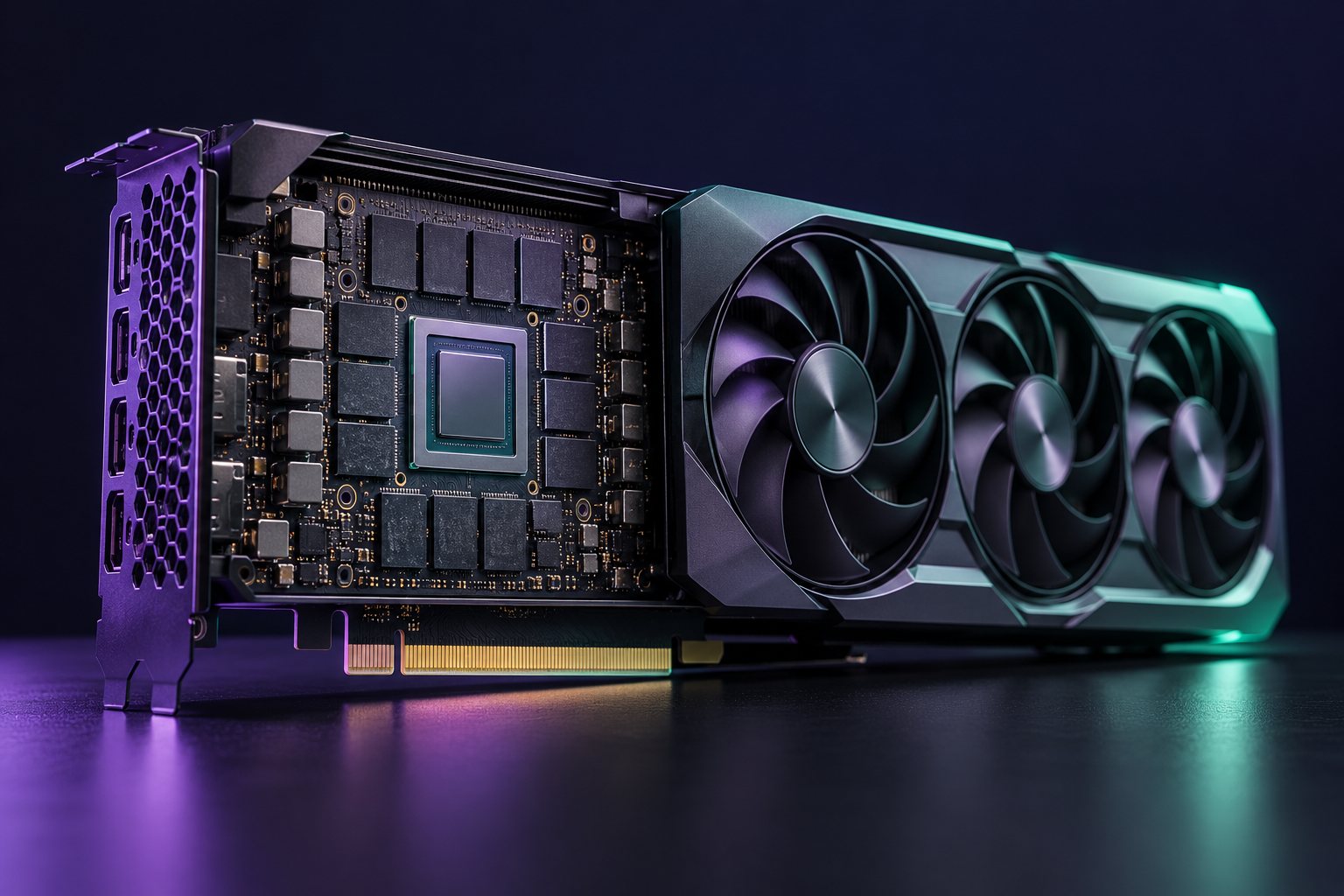
A model needs roughly its parameter count times the bits per weight, divided by eight, in bytes of memory, plus room for the conversation and the software. In practice, at the popular Q4_K_M quantization, an 8B model needs about 7 GB, a 14B model about 11 GB, a 32B model about 22 GB and a 70B model about 44 GB, with an 8,192-token context. At full 16-bit precision, multiply the weights by about 3.3.
The three parts of the memory bill
- Weights. Parameters × bits per weight ÷ 8. Quantization lowers the bits: llama.cpp measured 16.0 bits per weight for F16, 8.50 for Q8_0, 5.70 for Q5_K_M and 4.89 for Q4_K_M.
- KV cache. The model stores keys and values for every token in the context: 2 × layers × KV heads × head size × context length × bytes per value. It grows with context length and with the number of chats running at once.
- Runtime. Buffers and the framework itself. This varies by software; we use a 1 GB allowance in the examples below.
Weights by model and quantization
Parameter counts come from each model’s files on Hugging Face; GB here means 1024³ bytes, the way GPU memory is sold.
| Model | Parameters | F16 | Q8_0 | Q4_K_M |
|---|---|---|---|---|
| Qwen3 8B | 8.19B | 15.3 GB | 8.1 GB | 4.7 GB |
| Qwen3 14B | 14.77B | 27.5 GB | 14.6 GB | 8.4 GB |
| gpt-oss-20b | 20.91B | 38.9 GB | 20.7 GB | 11.9 GB |
| Qwen3 30B-A3B | 30.53B | 56.9 GB | 30.2 GB | 17.4 GB |
| Qwen3 32B | 32.76B | 61.0 GB | 32.4 GB | 18.7 GB |
| DeepSeek-R1 Distill Llama 70B | 70.55B | 131.4 GB | 69.8 GB | 40.2 GB |
| Qwen2.5 72B | 72.71B | 135.4 GB | 72.0 GB | 41.4 GB |
| gpt-oss-120b | 116.83B | 217.6 GB | 115.6 GB | 66.6 GB |
OpenAI ships gpt-oss in its own 4-bit format and says gpt-oss-120b fits on a single 80 GB GPU, which matches the Q4 row.
The KV cache: why context length matters
With 16-bit KV values, the cache for one chat comes to:
| Model | 8,192 tokens | 32,768 tokens |
|---|---|---|
| Qwen3 8B (36 layers, 8 KV heads) | 1.1 GB | 4.5 GB |
| Qwen3 32B (64 layers, 8 KV heads) | 2.0 GB | 8.0 GB |
| Qwen2.5 72B (80 layers, 8 KV heads) | 2.5 GB | 10.0 GB |
| gpt-oss-20b (half the layers use a 128-token window) | 0.19 GB | 0.75 GB |
Quadrupling the context quadruples the cache. A 32B model that fits on a 24 GB card at 8K context (18.7 + 2.0 + 1 = about 22 GB) no longer fits at 32K (about 28 GB). Two fixes: quantize the KV cache to 8 bits, which roughly halves it, or shorten the context. gpt-oss is unusually light here because half its layers only look at the last 128 tokens.
Which GPU for which model
- 12 GB (RTX 3060 12GB): 8B models at Q4 or Q8 with a modest context; 14B at Q4 with a short context.
- 16 GB (RTX 4060 Ti 16GB): 14B at Q4 comfortably; gpt-oss-20b at about 13 GB.
- 24 GB (RTX 3090, RTX 4090): 32B at Q4 with an 8K context, or Qwen3 30B-A3B.
- 32 GB (RTX 5090): 32B at Q4 with longer contexts.
- 48 GB (RTX 6000 Ada) or two 24 GB cards: 70B at Q4.
- 80 GB (A100, H100): gpt-oss-120b, or 70B at Q8.
- Apple M-series Max with 96 to 128 GB: unified memory shared with the system can hold 70B models and gpt-oss-120b, at lower bandwidth than data-center GPUs.
What bandwidth says about speed
To write each token, the GPU reads every active weight from memory once. Memory bandwidth divided by the size of the active weights therefore gives a ceiling on tokens per second for a single chat. At Q4_K_M:
| Model | RTX 5090 (1,792 GB/s) | M4 Max 40-core GPU (546 GB/s) | H100 SXM (3,350 GB/s) |
|---|---|---|---|
| Qwen3 8B | ~358 tokens/s | ~109 | ~669 |
| Qwen3 32B | ~89 | ~27 | ~167 |
| Qwen2.5 72B | does not fit | ~12 | ~75 |
These are ceilings: real speeds are lower, because no system reaches its full bandwidth and other work happens per token. They are still useful for comparing hardware, and they explain why mixture-of-experts models are fast for their size: gpt-oss-120b has 117B parameters but only 5.1B active per token, so it reads far less memory per token than a dense 70B model. NVIDIA does not publish memory bandwidth on its RTX 3060, 4060 Ti, 3090 or 4090 product pages, so we do not estimate speeds for them.
Check your own setup
The VRAM calculator runs this arithmetic for 15 open models, any quantization, context length and number of chats, and lists which GPUs hold the result.
Sources
- llama.cpp, quantize README (bits per weight, measured on Llama-3.1-8B).
- Model configurations: Qwen3 8B, Qwen3 32B, Qwen2.5 72B, gpt-oss-20b, gpt-oss-120b, DeepSeek-R1 Distill Llama 70B.
- NVIDIA, GeForce compare, H100; Apple, MacBook Pro (16-inch, 2024) specs.
All pages read on October 26, 2026.
Free toolCan my GPU run this model?Check my GPU