Inkling 2 Mini: Check Memory Before Running Locally
Inkling 2 Mini has a roughly 20GB checkpoint, but its maker supports Macs with at least 32GB memory. Check the hardware guidance before downloading.
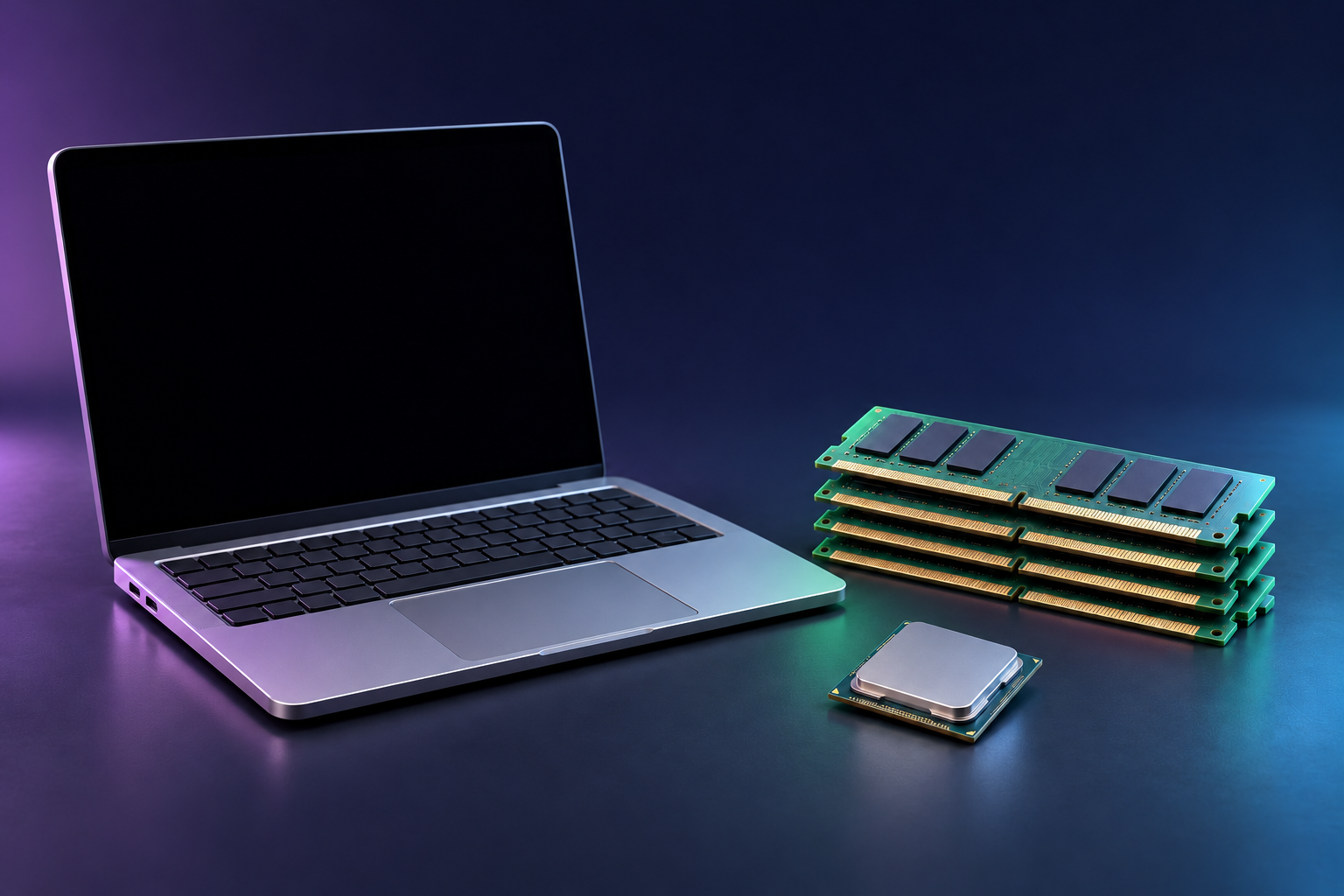
Thinking Machines Lab released Inkling 2 Mini on November 20, 2026, with open weights and a checkpoint of about 20GB. For local use, the model card supports Apple silicon devices with at least 32GB of memory and recommends 32GB or more of VRAM for other GPUs. The 20GB figure describes the checkpoint, not a promise that the model will run in 20GB of total system memory. The company also offers the model through Tinker, so downloading weights is not the only way to try it.
What changed with the November 20 release
Mini brings a smaller local option to the Inkling 2 family. The launch announcement gives it 26.4 billion total parameters and 3.4 billion active parameters. Its middle layers run three times per token. Counting those repeated passes, the company reports 5.4 billion effective weight activations per token. These are architecture figures, not three different estimates of the file size.
The earlier Inkling 2 Small announcement describes a 594-billion-parameter model with 17 billion active parameters. Small’s weights became available on November 12, so Mini is a newer, smaller deployment choice rather than the family’s first open-weights release. A lower parameter count does not establish how fast Mini will run on your machine or whether it will answer your tasks as well as Small.
| Maker-published figure | Inkling 2 Mini | What it tells you |
|---|---|---|
| Downloadable checkpoint | About 20GB | Approximate weight storage; not total running memory |
| Supported Apple silicon memory | 32GB or more | Maker’s stated local Mac configuration |
| Other GPU VRAM | 32GB or more recommended | Guidance for platforms outside the named supported devices |
| Parameters | 26.4B total; 3.4B active | Model architecture, not a memory allowance |
| Effective weight activations | 5.4B per token | Includes repeated passes through middle layers |
| Advertised context window | Up to 1M tokens | Model capability, not a claim that 32GB fits a full-window session |
The figures come from the model card and announcement. The model card says the checkpoint mixes NVFP4 and MXFP8 precision. A generic four-bit calculation based only on parameter count would miss that mixture and the memory used by the inference software.
A 20GB checkpoint does not mean a 20GB computer
A checkpoint is the model data you load. Running inference also needs room for the software, working buffers and the conversation’s key-value cache. That cache grows as the prompt and response grow. Our local LLM memory guide explains those parts and why context length matters. It is background for planning, not a measured memory profile for Mini.
This distinction is especially important on a Mac, where the processor and graphics hardware use the same pool of memory. Thinking Machines Lab’s stated support threshold is 32GB or more on Apple silicon. A Mac with exactly 32GB meets that published configuration, but the available memory also depends on what else is open and on the context and runtime you use. The announcement and model card reviewed here do not provide a table of memory use by context length and supported machine.
Likewise, “up to 1M tokens” in the model card names the model’s context window. It does not say a one-million-token session will fit in a 32GB computer. Start below that maximum and observe memory use before raising the context setting. The site’s VRAM calculator can help you understand the components of a memory budget, but it has no verified preset for this mixed-precision checkpoint. Do not treat its generic estimate as an Inkling 2 Mini benchmark.
Pick a local route your hardware supports
The model card names one NVIDIA DGX Spark and Apple silicon devices with at least 32GB memory as supported hardware. The announcement specifically says Macs at that threshold can use Ollama. The model card also lists Exo Labs for Apple silicon and SGLang, vLLM, Unsloth, NVIDIA Dynamo and Tokenspeed among NVIDIA inference frameworks. These are maker-listed routes, not configurations we installed or tested.
Other GPUs and platforms may work, but the model card frames 32GB or more of VRAM as a recommendation for them. Confirm that your chosen runtime supports the checkpoint format and your particular device before downloading. The announcement also points to quantized GGUF versions through Unsloth and llama.cpp. Those are separate files; check the exact release and format rather than assuming the published 20GB checkpoint figure applies to every conversion. Our quantized-file guide explains why a file’s size and a complete runtime requirement differ.
If you do not have suitable local hardware, the company says Mini is available for inference and fine-tuning through Tinker and for chat in Tinker Playground. Its model card also mentions third-party inference providers. We did not establish a price for any of those routes here, so compare their current terms before committing a workload. The AI model tracker records the release and its published specifications alongside other new models.
Where Mini trades capability for size
The company’s own limitations section says Mini is weaker at multi-turn chat and instructions with many constraints than some similarly sized models. It reports 50.0% on MultiChallenge and 33.4% on ComplexConstraints v1.1, and says larger models remain stronger on some reasoning-heavy benchmarks. These are the maker’s evaluation results, not our independent tests. Benchmark scores also depend on the task and setup; they do not guarantee a result for your prompts.
For a proposed pilot, choose a few representative tasks before you choose a permanent deployment. First, verify your hardware and runtime against the model card. Begin with a short context and record peak memory, latency, output correctness and any tool failures. Increase context only after seeing the effect on your machine. Compare the same prompts with your current model, and keep that model available for tasks where Mini struggles. This is a test plan; we have not run the model or measured its speed, quality or full-context memory use.
Sources
- Thinking Machines Lab: Introducing Inkling 2 Mini — November 20 launch, memory footprint, deployment routes and limitations.
- Thinking Machines Lab: Inkling 2 Mini Model Card — checkpoint, supported hardware, architecture and context window.
- Thinking Machines Lab: Introducing Inkling 2 Small — earlier model specifications and weight-release update.
All pages read on November 21, 2026.
Free toolCan my GPU run this model?Check my GPU