Why Two GPUs Can Still Run Out of Memory
A two-GPU memory worksheet shows why a model can overflow one card despite enough total VRAM, and how to check the split before use.
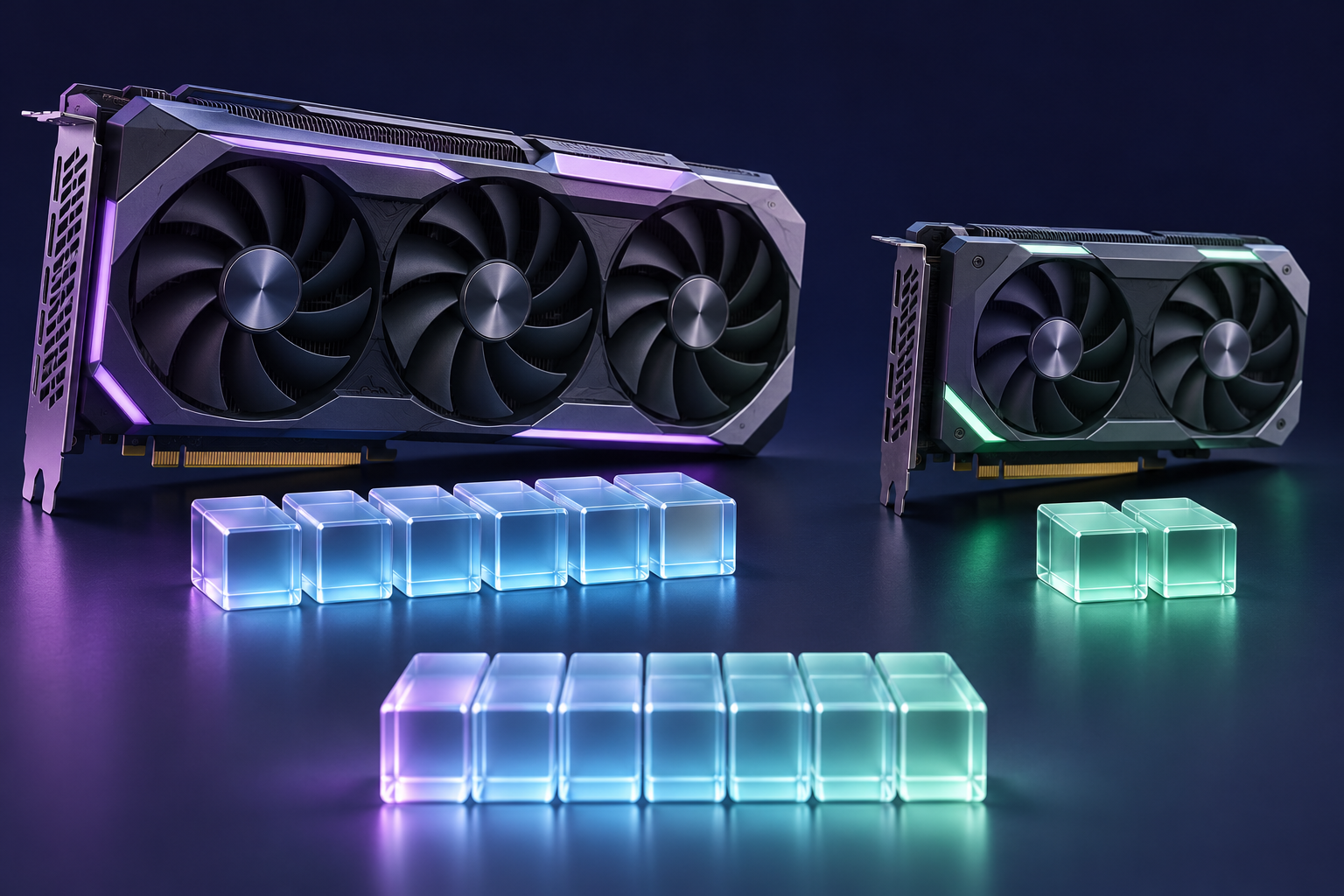
Two GPUs can have enough combined VRAM for a model and still fail to load it. Suppose a larger card has 22 GiB free and a smaller one has 14 GiB free. An illustrative model needs 24 GiB for weights, 4 GiB for its KV cache and 2 GiB of runtime space on each card. That is 32 GiB of demand against 36 GiB free in total. Yet an equal split asks each card for 16 GiB, so the smaller card is 2 GiB short. The useful question for multi-GPU LLM inference is what each device must hold at your intended context length, not simply what the capacities add up to.
Check each GPU before adding the totals
Start with the exact model file and a chosen runtime. File size is a useful weight estimate, but it does not include every allocation made while serving a request. The llama.cpp multi-GPU guide describes how weights and KV cache are placed under its split modes. Our VRAM calculator can estimate a model’s overall weight, cache and runtime bill; it cannot certify that a particular two-card partition will fit.
Record the free memory on each card immediately before loading the model. If a desktop or another process has already claimed memory, the amount free matters more than the number printed on the box. Keep units consistent: 1 GiB is 1,073,741,824 bytes, while 1 decimal GB is 1,000,000,000 bytes. A small apparent margin can disappear if one source reports GB and another reports GiB.
For a first worksheet, write per-card demand = assigned weights + assigned KV cache + runtime and communication allocations. Then compare that demand with that card’s available memory. Do not subtract a generic percentage for the interconnect. Moving data between cards can affect time, but it is not a fixed percentage of VRAM. Our single-GPU VRAM guide explains the weight and cache terms before the split; the worksheet below adds the missing per-device decision.
Choose what gets split
There are three distinct ways to use two GPUs. In a layer split, each card holds different layers. A token passes through the layers in order. The llama.cpp documentation calls its default layer mode pipeline parallelism and says the KV cache for a layer lives on the GPU that owns that layer. It can place different proportions on unequal cards. A 2:1 planning ratio therefore has a plausible runtime control, although layers are discrete and the actual allocation need not match a perfect fraction.
In tensor parallelism, both cards hold pieces of a layer and exchange partial results during computation. The same llama.cpp guide calls its tensor mode experimental; it splits weights and KV, requires flash attention, and currently requires non-quantized KV cache types. Its automatic fitting option does not work in this mode. Those are runtime-specific constraints, not rules for every inference engine. The vLLM parallelism guide recommends tensor parallelism for a model that exceeds one GPU but fits within a multi-GPU node; it also discusses pipeline parallelism where an uneven split or slower interconnect makes that a better configuration to test.
The third option is replication: load a complete model on each card and send different requests to the two copies. That can serve more requests when the model already fits on one card, but replication does not combine their memory for one oversized model. Choose the method according to the actual problem: fit one model, reduce one request’s latency, or increase completed requests per unit time. They are different measurements.
Put the unequal-card example on a ledger
The figures below are made-up worksheet inputs, not specifications for a real model or benchmark results. Assume both GPUs are otherwise compatible with the chosen runtime. GPU A has 22 GiB available and GPU B has 14 GiB. The example assumes a 24 GiB weight allocation, a 4 GiB KV allocation at the target context and 2 GiB of other allocations on each card. The latter is deliberately a planning input, not a universal runtime allowance.
| Planning case | GPU A: 22 GiB available | GPU B: 14 GiB available | What the arithmetic says |
|---|---|---|---|
| Equal split: weights | 12 GiB | 12 GiB | 24 GiB total weights |
| Equal split: KV cache | 2 GiB | 2 GiB | 4 GiB total cache |
| Equal split: other allocations | 2 GiB | 2 GiB | Assumed, not measured |
| Equal split: total demand | 16 GiB | 16 GiB | GPU B exceeds its budget by 2 GiB |
| Hypothetical 2:1 split: weights | 16 GiB | 8 GiB | Same 24 GiB weights |
| Hypothetical 2:1 split: KV cache | 2.67 GiB | 1.33 GiB | Rounded shares of 4 GiB |
| Hypothetical 2:1 split: other | 2 GiB | 2 GiB | Same assumed allowance |
| 2:1 split: total demand | 20.67 GiB | 11.33 GiB | Fits on paper; not a load test |
The arithmetic is 12 + 2 + 2 = 16 GiB per card for the equal case. For the second case it is 16 + 4 × 2/3 + 2 ≈ 20.67 GiB on A, and 8 + 4 × 1/3 + 2 ≈ 11.33 GiB on B. The total requested memory remains 32 GiB in either case. Changing the placement, rather than adding the totals again, changes which card fails.
This ledger is a candidate, not proof that a runtime will create exactly those shares. A layer cannot always be divided into arbitrary thirds. Other model tensors, graph allocations, CUDA or backend buffers, and the cache layout can differ from our assumptions. If the real split puts more than the planned amount on either device, the fit verdict changes. Record the actual allocations from the startup log and device memory readings. If the logs do not expose a category separately, mark it unknown rather than treating the remainder as zero.
The size of the model file also depends on the exact quantized artifact. Our quantization guide explains why a short label such as Q4 does not specify one fixed file size. Record the exact file, release and format before reusing a ledger. A larger context or more simultaneous requests can raise the KV requirement without changing the model weights. The context-window guide explains why advertised maximum context and the amount you reserve for a run are different decisions.
Validate at the context you will actually use
First, note the runtime build, backend, model artifact, device order, split mode, split ratio, context length, cache types and intended concurrency. In llama.cpp, --list-devices shows the names accepted by --device; --tensor-split takes proportions in that device order. The official multi-GPU guide gives a 3,1 layer-split example for unequal cards. Do not copy the ratio from this article without checking your own free memory and the runtime’s allocation output.
Next, load the model at a short context only as an initial check. Repeat at the target input length and reserve output tokens; then repeat at the intended concurrent request count. Compare peak device memory against each device’s free budget, not merely against the combined total. Keep the startup output and the exact settings beside the worksheet. vLLM’s deployment guide points to its GPU KV cache size and maximum concurrency startup messages; those are useful checks for a vLLM deployment, though they do not replace observing a complete workload.
If the smaller card overflows, reduce its assigned layers or choose a smaller model artifact, shorter context, different cache configuration or lower concurrency as your runtime permits. Change one variable at a time and rerun the memory check. Do not assume a weight split flag also divides every non-weight allocation in the same ratio. If an exact ratio is impossible because of layer boundaries or backend support, treat the paper result as a failed candidate and use the actual allocation to revise the ledger.
Keep memory fit separate from speed
A model loading successfully answers a capacity question. It does not prove that two cards make one reply faster. Tensor parallelism exchanges intermediate results repeatedly, so link speed and synchronization matter. NVIDIA’s technical article explains this communication cost for its multi-GPU H200 server examples. Those server results are not a speed prediction for a pair of consumer cards. The llama.cpp guide likewise says its layer and tensor modes favor different throughput and latency conditions; it gives no universal multiplier for your PC.
If speed is the reason for using two cards, measure prompt-processing time, time to first token, decode rate and completed requests under the workload that matters to you. Hold the model file, context, batch or concurrency and output length constant when comparing configurations. A faster single request and higher aggregate throughput are separate outcomes. Without those measurements, report only the memory result: which card loaded which allocations, at what context and concurrency.
The practical decision is simple. Keep a multi-GPU split only when the real device allocations fit with room for the workload you intend, the model produces acceptable output, and any speed goal is supported by measurements on that system. If a smaller artifact or a single card solves the same job, compare that configuration too. This article’s two-card ledger is a way to reject an impossible equal split before buying or changing hardware; it is not a promise that the adjusted split will run.
Sources
- llama.cpp: Using multiple GPUs — split modes, device ordering, cache placement and constraints.
- vLLM: Parallelism and Scaling — distributed strategies and cache/concurrency log fields.
- NVIDIA: NVLink and NVSwitch for LLM inference — communication behavior in its named H200 server examples.
All pages read on November 25, 2026.
Free toolCan my GPU run this model?Check my GPU